LinkedIn Video Ads for B2B: What to Make and How to Cut Them
How to make B2B LinkedIn video ads: which ads to run, how long and what size, how to cut them for a silent, looping feed, and how to retarget viewers.
 Cade October 5, 2026 10 min read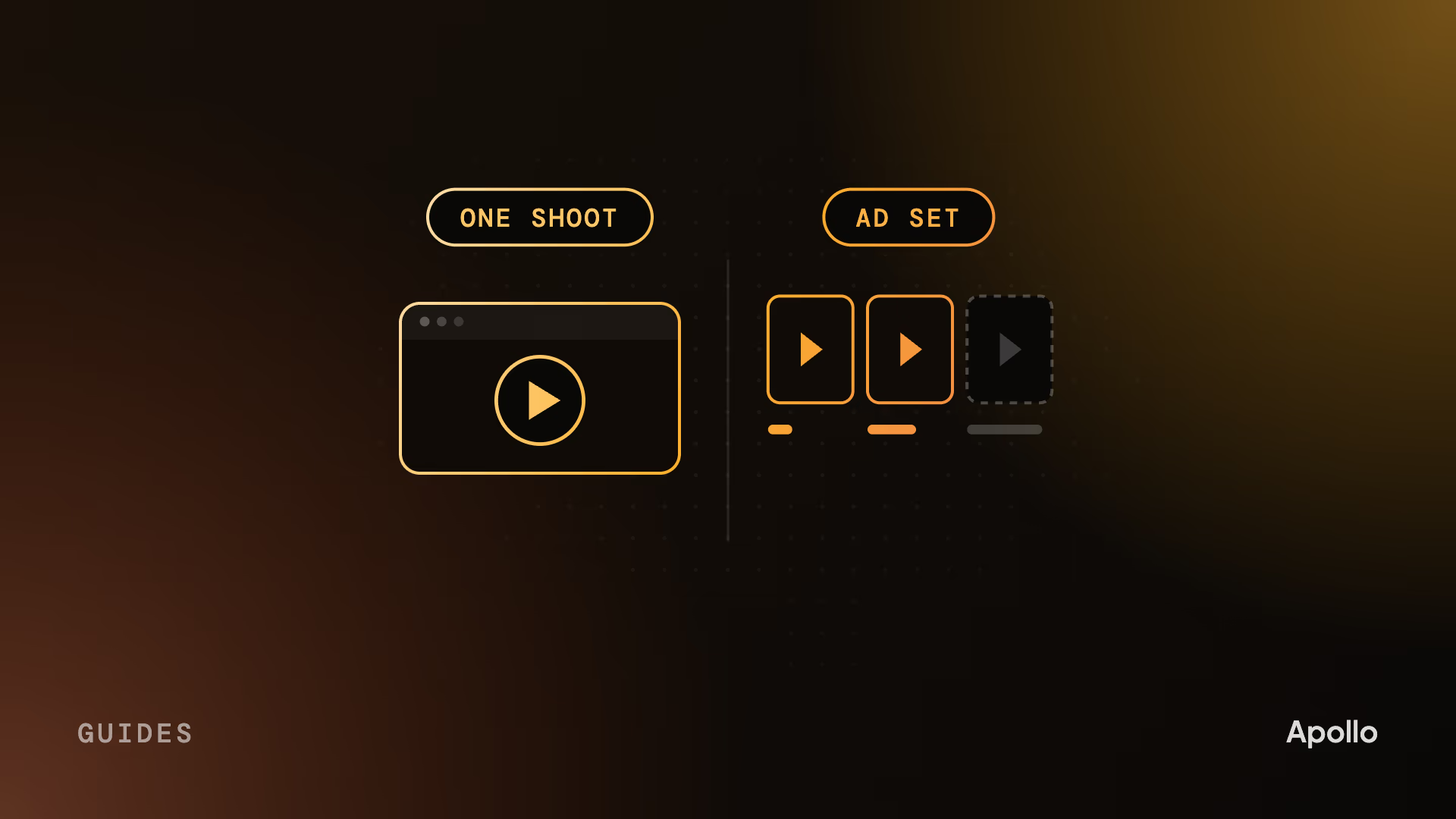
On this page What makes a LinkedIn video ad different
A B2B LinkedIn video ad plays silently, in a feed, to people who mostly aren’t buying yet. The ones that work open on the buyer’s problem in the first three seconds, carry captions, run 15 to 30 seconds in a vertical 4:5 frame, and come from a shoot planned as an ad set, not trimmed from a brand film.
B2B makes this harder. The person scrolling past is a security lead or a RevOps manager between meetings, and they’ll give you a second or two if the first frame is about their job. The same ad also has to make sense to whoever uses the product and whoever signs for it.
What makes a LinkedIn video ad different
It plays without sound, often on a loop, to people who mostly aren’t in the market. Each of those changes how you make it.
Most viewers aren’t buying. John Dawes of the Ehrenberg-Bass Institute puts it at “up to 95%” of firms out of the market for a category at any one time, and he’s clear that it’s a rule of thumb, not a measured constant. So for most viewers the ad’s job is to be remembered when the problem turns urgent. The few who are ready now need a reason to click.
Most of the feed is muted. LinkedIn’s own video ads guide says most members watch video ads with the sound off and calls captions critical. If the story lives in the voiceover, it doesn’t exist for most of the people who see it.
Short ads loop. LinkedIn plays any video ad shorter than 30 seconds on repeat until it reaches 30 seconds of playback, so a 10-second ad runs three times (LinkedIn’s video ad specs). Your last frame runs straight into your first. If the two don’t fit together, the viewer sees a hard jump at the exact moment you want them to click.
So you aren’t making one big ad. You’re making several small ones.
Which video ads to make for LinkedIn
Four or five ads per campaign, each with one job. That’s LinkedIn’s own recommendation in its video ads guide, and it’s the right number for B2B: enough to test which opening works, few enough to make each one well.
| Ad | Who it’s for | What it does | Call to action |
|---|---|---|---|
| Problem hook | Cold, out of market | Names a problem in the viewer’s job and ties it to your brand | Learn more |
| Product demo cut | Cold or warm, evaluating | Shows the product doing one thing, on the real UI | Visit the product page |
| Founder talking head | Cold, run as a Thought Leader Ad | A point of view from someone the audience trusts | None; the post carries it |
| Customer proof | Warm, retargeted | A customer naming the outcome in one sentence | Watch the full story |
| Offer or event | Warm, ready to act | A webinar, report or trial with a reason to act now | Register or sign up |
LinkedIn’s research found product demos drive its highest completion, engagement and click-through rates, and talking heads earn more engagement. That’s why the demo cut and the founder usually carry a B2B campaign. The customer proof cut comes from a customer story shoot, and our guide to testimonial videos covers how to cut it for paid social.
Five ads sounds like five productions. It shouldn’t be.
Cut the ads from the shoot, not from the film
A brand film cut down to 30 seconds makes a bad ad. The film builds to its point, and the ad has to open on it. So the ad set gets planned in the script, before anyone films.
We see it all the time. The launch film is finished, someone asks for “a 15-second version for LinkedIn”, and the editor hunts through 90 seconds for a moment that works alone. There usually isn’t one. The best line lands at second 50, and without its setup it means nothing.
Here’s what we do instead when the brief includes ads:
- Write the openings with the script. Several first lines for the same idea, one per audience or angle, so the hook test is designed rather than found.
- Shoot the hooks as their own moments. The founder saying the problem straight to camera. The product doing its one thing. The customer’s outcome sentence, recorded so it can open an ad.
- Frame for every ratio. Keep the action and any text in the middle of the frame, so one take crops to 4:5, 9:16 and 16:9.
It’s planning, not extra shoot days, and it’s how one production gives you the film, the feed teaser and the paid cuts, as our guide to launch videos lays out. Then it’s an edit problem.
How to cut a video for the LinkedIn feed
Every cut gets the same checklist, and most of it is about the first three seconds and the last one.
- Open on the problem or the role. LinkedIn’s guide says to put your key message and your brand in the first ten seconds. We aim for the first three, because the thumb moves faster than ten. “Still closing the books in a spreadsheet?” beats your logo.
- Make it read with no sound. Design the key lines as on-screen text that carries the argument, then add captions for the voice. More on that in the FAQ.
- Frame for 4:5. It’s LinkedIn’s recommended ratio. Keep text away from the edges, where the feed crops and overlays.
- Show the brand early. A logo in the final second is invisible to everyone who scrolled at second four.
- Close the loop. End on a frame that hands back to the opening, so the repeat looks deliberate.
- Give it one call to action that fits the objective. A problem hook for a cold audience doesn’t need “Book a demo”. Save that for the warm cut.
- Write the copy as a second hook. LinkedIn truncates introductory text after about 150 characters and headlines after about 70, so the first line above the video has to work alone.
The standard lengths are in the FAQ. The first three seconds decide whether anyone stays for them.
Retarget the people who watched
Your first ad builds the audience for the next one. LinkedIn lets you build a video audience of everyone who watched at least 25%, 50%, 75% or 97% of an ad, looking back 30 to 365 days, once it matches at least 300 members.
That turns the ad set into a sequence. Someone who watched most of the problem hook sees the demo cut next. Someone who watched the demo sees the customer proof. Someone who finished the customer story sees the offer. Each ad answers the question the last one raised, which is the B2B video funnel run inside one platform.
Set thresholds by length: a full view of a 6-second hook test tells you less than three-quarters of a 30-second demo.
Who makes LinkedIn video ads, and who runs them?
Two different jobs. A video studio makes the creative. A LinkedIn ads agency, or your own demand gen team, runs the media: targeting, bidding, budget, testing and reporting. Most teams searching for “a LinkedIn video ads agency” need both, and few firms are equally strong at both.
A LinkedIn ads agency lives in Campaign Manager. It’s the right partner for audience strategy, testing and turning spend into pipeline you can report on. Creative is rarely where it invests.
A video studio makes the ads themselves: the script, the shoot, the animation and the pack of cuts. It hands specs-ready files to whoever runs the campaign.
Your own team often runs the media already, and a demand gen manager plus a studio for the creative is a sensible split.
Whichever mix you choose, decide who owns the test plan before the shoot. The variants the media side wants to test have to be written into the script, or they won’t exist in the edit. Our guide to agency, freelancer or in-house covers who should make which kind of video more broadly.
How we make LinkedIn video ads
We’ve made paid social and demand-gen ads for Mindsmith, Artra and Redo, and a launch ad for Ping; they’re on our video ad production page.
- Hooks first. We write the openings before the rest of the script, because they’re most of the work.
- Your technical reviewer signs off at script and storyboard, before anything is animated or filmed. The storyboard takes about 72 hours.
- One shoot, the whole set. Live action with our own crew, animation and motion design in-house, and several videos shot in a single day when the plan calls for it.
- A pack, not an ad. Cuts by hook, length and ratio, sized for LinkedIn and for Meta and YouTube if you run there too.
- About three weeks for a full project.
Anvilogic, a security operations platform. A 27-second product commercial built to run as a paid spot for a technical buyer. More work is on our portfolio.
Most of the people who see your ad won’t buy this quarter. Make the ad they’ll remember when they do, and the next cut for the few who are ready now.
FAQ
What are the best agencies for B2B video ads on LinkedIn?
It depends which half you need. LinkedIn ads agencies run the media: targeting, bidding, testing and reporting. Video studios make the creative. Look for B2B ads in your category you can actually watch, a script process that starts with the hook, a pack of variants from each shoot rather than one ad, and a clear answer on who owns testing. Many teams hire one of each.
How long should a LinkedIn video ad be?
Most B2B feed ads should run 15 to 30 seconds. That’s also LinkedIn’s own recommendation, because it lets a video qualify for every placement in the feed and the Audience Network. Cut 6-second versions to test hooks, and use longer demo cuts to retarget people who already know you. LinkedIn accepts anything from three seconds to 30 minutes.
What size should a LinkedIn video ad be?
LinkedIn recommends vertical 4:5, at 720 x 900 pixels, and also accepts 16:9 landscape, 1:1 square and 9:16 vertical. Files must be MP4 and under 500 MB, uploaded to LinkedIn directly rather than linked from YouTube. Plan the shoot with the action in the middle of the frame, so one master crops cleanly to every ratio.
Do LinkedIn video ads need captions?
Yes. LinkedIn says most members watch video ads with the sound off and calls captions critical. Design the key lines as on-screen text, so the argument reads without audio, and upload an SRT caption file for any voiceover or dialogue. If an ad only makes sense with the sound on, most of the feed never gets the message.
Can you run a founder’s video as a LinkedIn ad?
Yes, as a Thought Leader Ad. You sponsor the founder’s own post, with their approval, and it runs in the feed under their name rather than the company’s. LinkedIn only allows these in brand awareness, engagement and video views campaigns, so they suit the out-of-market audience. When the goal is clicks or leads, run the video as a company-page video ad instead.
How much does it cost to make LinkedIn video ads?
Production and media are separate budgets. Media is what you pay LinkedIn to show the ads. Production depends on how much is filmed, how much is animated and how many variants the shoot has to yield. Apollo Studio projects start at $5,000, all-in, with no add-ons, and an ad project is planned so one shoot gives you the full set of cuts.
Cade is the founder of Apollo Studio, a B2B video studio in Utah making video ads, product videos and customer stories for SaaS, AI, cybersecurity and fintech companies.
Ready to make video that moves pipeline?
Apollo is a B2B video agency for SaaS, AI, fintech, and more. Tell us where your deals stall and we'll help you make the video that gets them unstuck.
Book a Call