Product Launch Videos for SaaS: What to Make From One Shoot
How to plan a SaaS product launch video: the cuts to make from one production, how long each runs, when to start, and how to film a feature that isn't done.
 Cade September 28, 2026 10 min read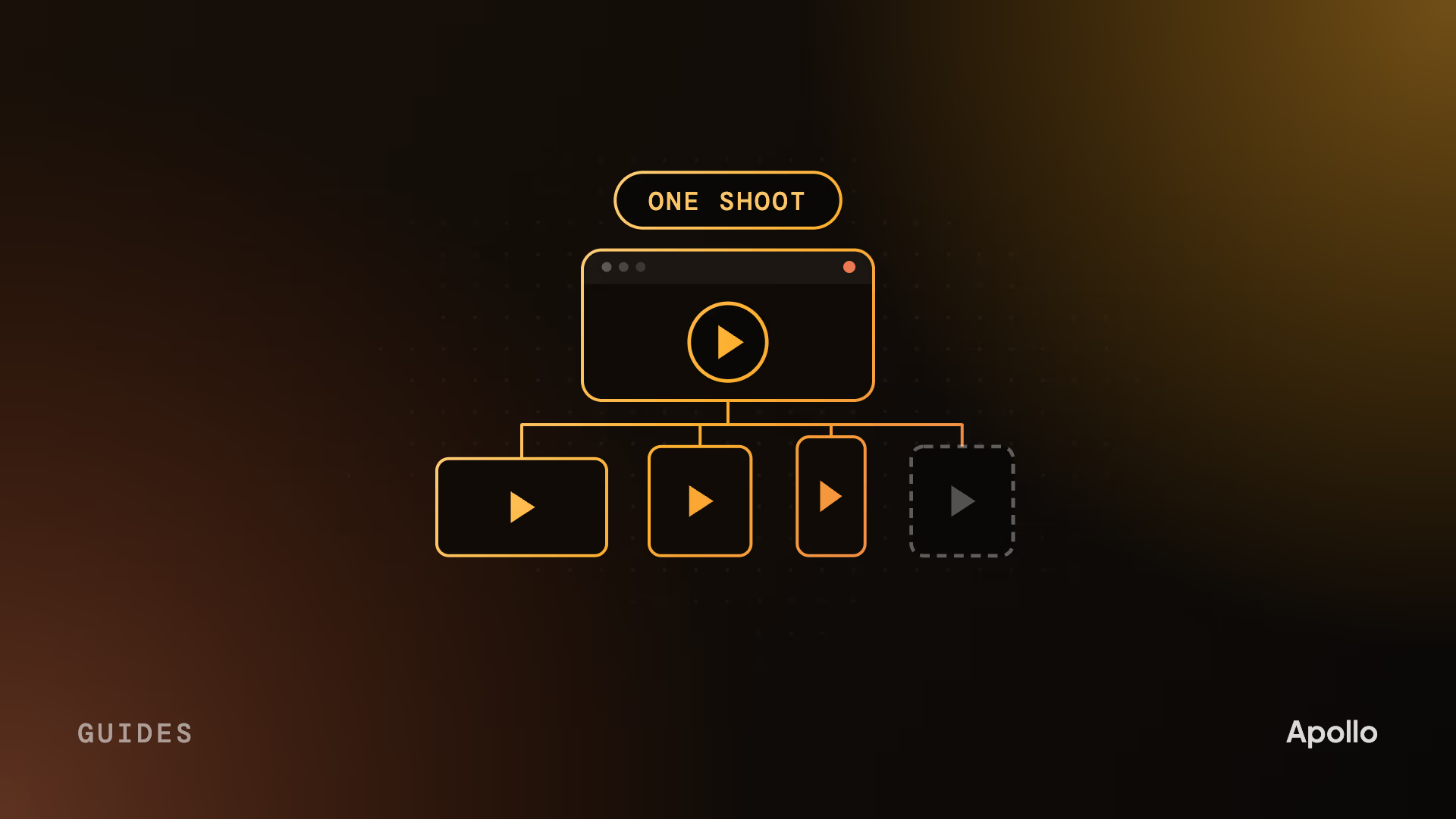
On this page What is a SaaS product launch video?
- What is a SaaS product launch video?
- What to make from one shoot
- Plan the cutdowns at the script, not in the edit
- How long should a product launch video be?
- Launching a feature that isn’t finished yet
- Live action, animation or both?
- The launch timeline, working back from launch day
- How we make launch videos
- FAQ
A SaaS product launch video is a 60 to 90 second film built to make a release feel like an event, plus the shorter cuts that carry it across LinkedIn, ads, sales and your site. Get the most from one production by planning every version at the script stage, and start about six weeks before launch day.
Launches are harder for B2B software than for almost anything else. The feature is often still being built while the video is made. The buyer is a committee, so the same announcement has to work for the person who scrolls past it on LinkedIn and the one who gets it forwarded by their CTO. After launch day, sales needs the same story in its own form. One film can’t do all of that. One well-planned production can.
What is a SaaS product launch video?
A film made for a moment. Its job is to make a release feel like an arrival, stop the feed on launch day and give everyone a reason to look at what shipped. It dates on purpose: it’s about this release, now.
That makes it a different piece from the two videos it gets confused with. An explainer is evergreen and earns the click for years; our guide to SaaS explainer videos covers that job. A demo shows the product solving a problem, screen by screen. For a small feature release, the demo often is the launch video, because the news is a new screen. For a new product or a new platform, you want the film.
The mistake we see most is treating the launch video as one deliverable. The film is the center. What actually runs on launch day is everything cut from it.
What to make from one shoot
Plan six pieces from one production. The film carries the moment; the rest carry it to every place your buyers will see it.
| Asset | Length | Where it runs | Its job |
|---|---|---|---|
| Launch film | 60 to 90 seconds | Announcement page, YouTube, LinkedIn | Make the release feel like an event |
| Feed teaser | 15 to 30 seconds | LinkedIn and X, before and on the day | Stop the scroll and send people to the film |
| Paid cut | 15 to 30 seconds | Paid social, in each ad format | One message, one call to action |
| Sales version | 60 to 120 seconds | Follow-up emails, the sales deck | Answer the questions an evaluator asks |
| Onboarding clip | 30 to 60 seconds | In-app announcement, help center | Show existing users what changed |
| Proof follow-up | 60 to 90 seconds | Site, sales, a month later | Add the first customer results |
The last one is easy to forget. On launch day you have no customer results yet. A month later you do, and the footage you already shot is most of what you need to tell that story.
None of this is expensive if it’s planned. All of it is expensive if it’s an afterthought.
Plan the cutdowns at the script, not in the edit
This is the part most launches get wrong, and it’s decided before anyone picks up a camera. A teaser isn’t the first 20 seconds of the film. A vertical cut isn’t the film with the sides cropped off. Each version needs its own opening, written for where it runs.
When the cuts are an afterthought, the problems are familiar. The teaser opens on a logo because the film does. The vertical version crops the product out of frame because the shot was composed for 16:9. The paid cut runs out of time before it reaches the call to action.
So we write the cut list into the script. Every version gets its own first line and its own ending. Shots are framed so the product survives a vertical crop. Where a version needs a moment the film doesn’t have, like a line for sales about security, it’s shot on the same day instead of patched in later.
It’s the cheapest decision in the whole launch, and it saves a week of recutting after the film is locked.
How long should a product launch video be?
Shorter than your product team wants. The film should run 60 to 90 seconds, the teaser and paid cut 15 to 30.
Length matters because completion drops fast. Vidyard’s 2022 data from 1.8 million business videos found that videos of a minute or less were watched to the end 66% of the time, against 22% for videos of 20 minutes or longer, as reported by MarketingCharts. A launch film that runs three minutes because every feature wanted a moment is a launch film most people won’t finish.
Launching a feature that isn’t finished yet
This is the normal case in SaaS, not the exception. The launch date is set, the video has to be finished before it, and the feature is still in development. There are two ways to show it, and a few rules that apply to both.
Capture the real interface when the screens are close to final. It’s faster and more believable, and buyers can find the same screens on day one. The risk is that the UI changes after you film it.
Rebuild the interface in animation when the design is still moving or the feature isn’t ready to show. It costs more, but you control every pixel, you can hide customer data, and a changed screen is an edit rather than a reshoot. Our guide to SaaS product demo videos covers when each approach makes sense.
Whichever you choose:
- Freeze the UI on a date. Agree with product which build the video shows, and when changes stop.
- Use test data. Never real customer names, never real numbers from a live account.
- Review unreleased screens early. Security and legal should see anything not yet public before it’s filmed, not in the final cut.
- Get technical sign-off at script and storyboard. Accuracy problems caught on paper cost an afternoon. Caught after animation, they cost a rebuild.
Live action, animation or both?
Live action for people and the moment. Animation for a product that’s unfinished or hard to film. Many of the strongest launches use both.
Live action is what makes a launch feel like an event. A founder saying why this matters, a customer in their own office, the team that built it. It carries energy an animated product shot can’t.
Artra. A live-action launch film made to turn a product release into an event.
Animation earns its place when the product is abstract, like an AI model with nothing to point a camera at, or when the interface isn’t ready. The practical default is both: people on camera for the why, animated product for the how. More in our guide to animated vs live-action video.
The launch timeline, working back from launch day
Start about six weeks out. That gives the story time to settle before anything is produced, and the product time to be stable enough to show.
- Six weeks out: the story. Agree the buyer, the moment and the one thing the launch has to say. If the team can’t say it in a sentence, the video can’t either.
- Five weeks out: the script and the cut list. Every version from the table above, with its own opening.
- Four weeks out: storyboard and UI freeze. Technical sign-off on the storyboard, and the build the video will show.
- Three to one weeks out: production. Filming, animation, sound, and the cuts.
- One week out: the teaser. It goes out ahead of launch to build the moment.
- Launch day. The film on the announcement page and YouTube, the teaser and paid cut in the feed, the sales version in every follow-up.
- The weeks after. The onboarding clip for existing users, then the proof follow-up once results come in.
Views tell you the teaser worked. Demo requests, trials and feature adoption tell you the launch did.
How we make launch videos
We make a launch film, a LinkedIn-native teaser and a paid cut from one production, with the rest of the cut list planned in the script. Your technical reviewer signs off at script and storyboard, before anything is filmed or animated.
A full project takes about three weeks from kickoff. On a rush, we’ve delivered in eight working days, though the six-week plan above leaves room for the product to settle. Apollo Studio launch projects start at $5,000, all-in, with no add-ons. If you launch every quarter, a monthly retainer often fits better than one-off projects.
Arist. An on-location launch film shot at their New York office, with real people in a real space. More launch work is on our portfolio and our launch video page.
FAQ
What is a product launch video?
A product launch video is a short film built to announce a new product, platform or major feature and make the release feel like an event. In B2B software it usually runs 60 to 90 seconds and is cut into a teaser, a paid version and a sales version from the same production. Unlike an explainer, it’s tied to a moment and dates on purpose.
How long should a SaaS product launch video be?
The main launch film should run 60 to 90 seconds, with a 15 to 30 second teaser and paid cut for the feed. Shorter videos get finished far more often: Vidyard’s 2022 data found a 66% completion rate for videos of a minute or less. If a feature needs more time to explain, put it in a sales version or a product demo, not in the film.
How much does a product launch video cost?
Published agency pricing for B2B launch videos runs from a few thousand dollars for a simple animated piece to $40,000 and up for live-action launch films with a fixed delivery date. The price moves with who is on camera, how close the deadline is and how many cuts you need. Apollo Studio launch projects start at $5,000, all-in, with no add-ons.
How far ahead should we start a launch video?
Start about six weeks before launch day. That allows a week for the story, a week for the script and cut list, a storyboard and UI freeze, about three weeks of production, and a teaser that goes out a week early. Rush projects can ship faster, with less room for the product to change.
Can we make a launch video before the feature is finished?
Yes, and most SaaS launch videos are made that way. If the screens are close to final, capture the real interface and freeze the build on a set date. If the design is still changing, rebuild the interface in animation so updates are edits, not reshoots. Either way, use test data, and have security and a technical reviewer approve unreleased screens early.
Should a launch video be animated or live action?
Use live action for people and the moment: a founder, a customer, the team, a real office. Use animation for products that are abstract, like AI or security platforms, or interfaces that aren’t finished. Many strong B2B launches combine the two, with people on camera for why the release matters and animated product sequences for how it works.
How do we choose a product launch video agency?
Look for B2B software launch work you can watch, a script process that finds the moment before the visuals, a cut list planned from the start, and a delivery date the studio will commit to. Ask how they handle unreleased screens and technical review. For a comparison of named agencies, see this list of product launch video agencies.
Cade is the founder of Apollo Studio, a B2B video studio in Utah making launch films, product videos and customer stories for SaaS, AI, and fintech companies.
Ready to make video that moves pipeline?
Apollo is a B2B video agency for SaaS, AI, fintech, and more. Tell us where your deals stall and we'll help you make the video that gets them unstuck.
Book a Call