Product Demo Video vs Interactive Product Tour: When to Use Each
Product demo video or interactive product tour? What each one does, when to use it at each stage of a B2B buying journey, and why the story comes first.
 Cade September 28, 2026 11 min read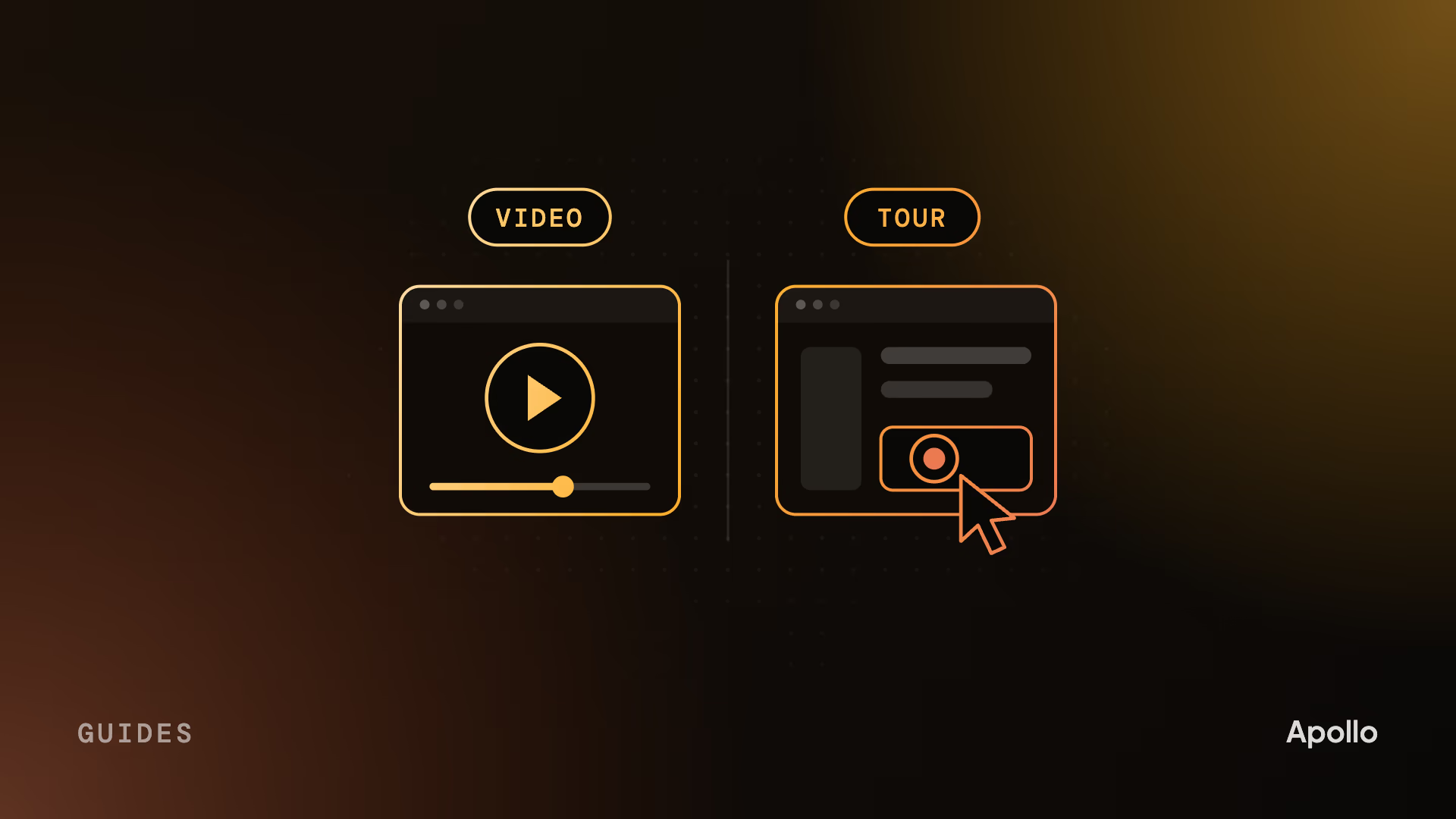
On this page What’s the difference between a product demo video and an interactive product tour?
- What’s the difference between a product demo video and an interactive product tour?
- When a demo video is the right call
- When an interactive tour is the right call
- Which to use at each stage of the buying journey
- Whichever you build, write the story first
- Keeping both current when the product changes
- How we make demo and product tour videos
- FAQ
A product demo video is a produced film that tells your product’s story in 60 to 90 seconds, in the order you choose. An interactive product tour is a click-through copy of your product that a buyer explores at their own pace. Use the video to explain and persuade. Use the tour when an evaluator wants to try it themselves.
Most of what’s written on this question comes from companies that sell click-through tour software, and it reads like it. The honest answer is less dramatic. B2B software is bought by a committee over weeks, and the people on it arrive at different moments with different questions. The founder who has never heard of you needs to be told why the problem matters. The ops lead comparing three vendors wants to click through the workflow before anyone books a call. One format can’t serve both, and the teams that pick a winner usually lose one of those buyers.
What’s the difference between a product demo video and an interactive product tour?
One tells, the other lets the buyer check. A demo video decides what the viewer sees, in what order, with a voice explaining why it matters. An interactive tour hands over the mouse: the buyer clicks through a copy of your interface and goes wherever the hotspots allow.
Part of the confusion is the name. “Product tour” gets used for three different things, and teams arguing about which one to build are often not talking about the same thing.
| Format | What it is | Who it’s for | Where it lives |
|---|---|---|---|
| Product demo video | A produced film showing one workflow solving one problem | Prospects who don’t know you well yet | Homepage, product pages, ads, sales emails |
| Product tour video | A longer produced walkthrough of the whole product, often in chapters | Evaluators who want depth | Product pages, sales enablement, YouTube |
| Interactive product tour | A clickable copy of the interface, built on a demo platform | Evaluators who want to try it before a call | Website demo center, sales follow-up |
| In-app onboarding tour | Tooltips and walkthroughs inside the live product | New users after signup | Your product |
The last row usually belongs to the product team, not marketing, so we’ll leave it there. The real decision is between the first three, and it starts with what the buyer already knows.
When a demo video is the right call
When the buyer doesn’t know why they need you yet. A click-through asks the viewer to do work, and nobody does work for a product they haven’t decided to care about. A video carries them through the problem, the cost of living with it and the moment your product fixes it, without asking for a single click.
Video also goes places a tour can’t. You can’t run an interactive tour as a LinkedIn ad or play it on a stage at a launch event. You can’t put a founder, a customer or the team that built the product inside a click-through. When the argument depends on a person being believable, it has to be filmed.
Then there are products with nothing much to click. An AI model that returns an answer, a security platform working in the background, infrastructure that developers never see: capture the interface and you get a screen that sits still while the interesting part happens somewhere else. Video can show what’s happening underneath, which is why so much of our AI video work is animated.
Cypris. An AI research workflow shown running in 37 seconds. A click-through of the same screens would show a search box and a results page.
The trade-off is control. Once a buyer wants to skip ahead or poke at the settings, they’ve moved on to a different question.
When an interactive tour is the right call
When the buyer already knows the category and wants to check your workflow before they talk to sales. That’s the evaluator with three tabs open, comparing how each vendor handles the same task. For them, clicking through is faster than watching, and doing it themselves is more convincing than being shown.
Interactive tours are now common enough that buyers expect one. Navattic, which sells interactive demo software, found that 18% of 5,000 B2B SaaS websites had an interactive demo call to action in 2026, up from 12% in 2024. It’s vendor data, but the trend is clear.
Tours do two things well that video doesn’t. They tell you who clicked what, so sales knows which feature a prospect spent time on before the first call. And they’re quick to patch: when a screen changes, you swap a step.
What a tour can’t do is make someone care. It shows the workflow to a buyer who has already decided the problem is worth solving. Somebody has to get them to that point first.
Which to use at each stage of the buying journey
Video early, the tour in the middle, and both after a sales call.
| Moment | Use | Why |
|---|---|---|
| First visit to your homepage | Demo or explainer video | The visitor needs the story before the workflow |
| Paid social and launch day | Video | A tour can’t run in a feed or on a stage |
| Product page, evaluator comparing vendors | Interactive tour, with a short video above it | The video sets up the problem; the tour lets them check |
| Follow-up after a sales call | Both | A 90-second video for the champion to forward, a tour for the colleague who wants to click |
| Enablement library | Product tour video in chapters | Deep workflows for buyers who are close to a decision |
| After signup | In-app onboarding tour | The user needs help doing, not persuading |
The follow-up row is where having both pays off most. Our map of the B2B video funnel covers which video belongs at each stage.
Whichever you build, write the story first
This is the part the software pages skip, and it decides whether either format works. A tour built by clicking through the product one tab at a time turns into a feature tour you can click. It has the same problem as a bad demo video: it answers “what does this product do?” when the buyer is asking “will this fix my problem?” We’ve written about why most product demo videos fail for exactly this reason, and it applies to tours just as much.
So start with the script, whatever you’re building. Name the buyer and the problem in their words. Pick the one workflow that solves it. Decide what they should believe at the end. That script becomes the video, and it also becomes the order of the tour’s steps, the words in its tooltips and the point where it asks for a call.
If you can only afford one right now, here’s what we’d do. If your buyers already know the category and want to compare workflows, build the tour. If they don’t yet know why the problem matters, make the video first. A tour can’t do that job, and it’s the job most B2B software has to win before anything else.
Keeping both current when the product changes
Tours are quicker to patch. Video lasts if it’s built for change. Plan for it with either format.
In a tour, a changed screen means recapturing a step. It’s quick, but a tour with dozens of steps across several flows still drifts out of date if nobody owns it. Give it an owner and a check on every release.
In a video, a changed screen is only expensive if the interface was flattened into the animation. When the product screens are built as separate layers, swapping a changed one is an edit, not a rebuild. Ask for that before production starts. Our guide to SaaS product demo videos covers when to capture the real interface and when to rebuild it.
How we make demo and product tour videos
We make the video, not the click-through. When a client also runs an interactive tour, we write the script so the tour can follow the same story, in the same order and the same words.
Every project starts with the buyer and the problem, then the one workflow that proves you solve it. Your technical reviewer signs off at script and storyboard, before anything is animated or filmed, so accuracy problems cost an afternoon instead of a rebuild. A full project takes about three weeks.
Ping Assistant, an AI assistant for accountants. A produced product tour video: a real person walks through the product on camera, so the tour has a voice buyers can trust. More on our portfolio and our product video page.
FAQ
What’s the difference between a product demo and a product tour?
A product demo video is a produced film that shows one workflow solving one problem, in the order you choose. A product tour is either a longer walkthrough video of the whole product or an interactive click-through that buyers explore themselves. The demo persuades someone who doesn’t know you yet. The tour lets an evaluator check the workflow in depth.
Is an interactive demo better than a demo video?
Neither is better; they do different jobs. A demo video works when the buyer doesn’t yet know why the problem matters, and it can run in ads, on social and at launches. An interactive demo works when an evaluator already knows the category and wants to try your workflow before a sales call. Most B2B software teams need both, built from the same script.
Who makes product tour videos for software companies?
Two kinds of company. Video studios make produced demo and product tour videos, with a script, animation or live action, and a voice. Interactive demo platforms sell software that lets your own team build click-through tours from captured screens. Many B2B teams use a studio for the video and a platform for the tour. For named studios, see this list of product demo video agencies.
How long should a product tour video be?
A focused product demo video should run 60 to 90 seconds, enough to show one workflow from start to finish. A full product tour video for evaluators can run 2 to 4 minutes, split into short chapters so viewers can jump to the part they care about. If one workflow fits in less time, the shorter video is the better one.
Should our homepage have a demo video or an interactive demo?
Usually the video. Most homepage visitors don’t know you well enough to spend time clicking through your product, and a 60 to 90 second video tells them why it matters. Put the interactive demo one step deeper, on product pages or behind a “try it yourself” button, where evaluators who already care will look for it.
Does an interactive product tour replace a live sales demo?
No. An interactive tour handles the part of the demo that’s the same for every buyer, so evaluators can check the basics on their own time. The live call is still where a buyer asks about their own data, integrations, security and pricing. A good tour makes the live demo shorter and better qualified, not unnecessary.
How much does a product demo video cost compared with an interactive tour?
Interactive tours are sold as software subscriptions, and the bigger cost is your team’s time to script, build and maintain each tour. A produced demo video is a one-off project, priced by script work, style and the number of versions. Published agency pricing ranges widely. Apollo Studio product demo videos start at $5,000, all-in, with no add-ons.
Cade is the founder of Apollo Studio, a B2B video studio in Utah making product demo and product tour videos, explainers and customer stories for SaaS, AI, and fintech companies.
Ready to make video that moves pipeline?
Apollo is a B2B video agency for SaaS, AI, fintech, and more. Tell us where your deals stall and we'll help you make the video that gets them unstuck.
Book a Call