SaaS Onboarding and Walkthrough Videos: What to Make Before You Scale
Which SaaS onboarding videos to make first, how long they should be, where they live, and which to produce or record yourself so they survive product changes.
 Cade October 5, 2026 10 min read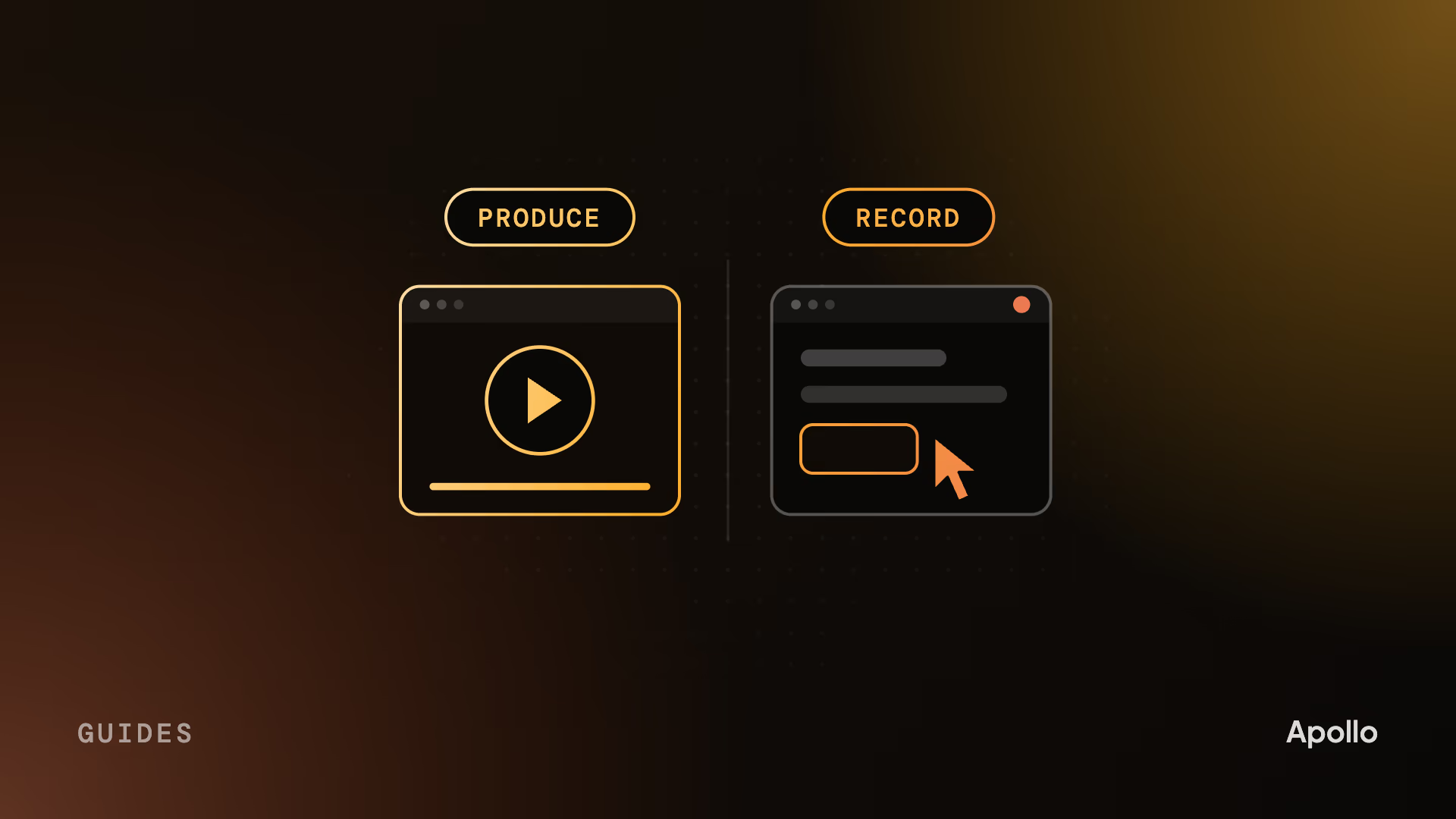
On this page What is a SaaS onboarding video?
A SaaS onboarding video gets a new customer from signup to their first real result without a call. Before you scale, make three: a short welcome, a 2 to 4 minute walkthrough of the core workflow, and quick clips for the questions support keeps answering. Produce the parts that won’t change. Record the clicks that will.
In B2B, onboarding is where revenue you’ve already won gets kept or lost. The champion who signed has to get a team using the product, and that team usually didn’t choose it. Every person who can’t reach a first result alone becomes a support ticket, another call on your CSM’s calendar, or a seat that never logs in.
What is a SaaS onboarding video?
A video for someone who has already bought. It skips the pitch and gets them to a first real result: the first report, the first synced integration, the first alert routed to the right person.
That’s what separates it from a product demo video. A demo persuades a buyer who’s still deciding. An onboarding video helps someone who has decided and now has to make it work, often for colleagues who’d rather keep the old way.
Most companies don’t make them. In Wyzowl’s 2026 survey, 23% of video marketers had created customer onboarding videos, against 68% who had made explainers and 39% who had made product demos. The budget goes where the deal gets won, and the first month after signature gets a help center and a calendar link.
You don’t need a library to fix that. You need the right three videos.
Which onboarding videos to make first
Three, in this order: a welcome, a walkthrough to the first result, and short clips for the questions people actually ask. Everything else can wait until you know where users get stuck.
| Video | When it plays | Who should make it | What it covers |
|---|---|---|---|
| Welcome | First login or welcome email | Produced, with your founder or CS lead on camera | What happens next and who to ask |
| How the product thinks | Before the first task | Produced, usually animated | The few ideas the rest of the product depends on |
| First-result walkthrough | First session | Produced on the real UI | One workflow, start to finish |
| Feature clips | When a user reaches that feature | Recorded by your team | One task, one screen |
| Admin and setup | When an admin connects SSO or integrations | Recorded by your team | The exact steps, in order |
| What’s new | When a release ships | Cut from the launch production | What changed and why it matters |
How long each should run is in the FAQ below.
“How the product thinks” is the one most teams skip, and the one we’d argue for hardest. Every product has a few ideas the interface assumes you already know. In a RevOps tool it might be how records get matched. In a security platform, how alerts get grouped into incidents. A user who misses those ideas can follow every tutorial and still be lost, which is why our explainer guide puts the mental model before the clicks.
If admins and end users reach their first result through different screens, they need different walkthroughs. An admin’s first win is a connected integration. An end user’s is the first task done. One video for both serves neither.
So where does the script come from?
Start with the call your team keeps repeating
The script is already written. It’s in your kickoff call recordings and your top support tickets.
Watch your customer success lead run a kickoff. By the fortieth one, they give the same tour in the same order, and they pause at the same screen because every customer asks the same question there. That tour is your first-result walkthrough, and that pause is where the video needs to slow down.
Support tickets do the same job for the clips. Sort a quarter’s tickets by topic, and the top five are your first five clips. In the same Wyzowl survey, 57% of video marketers said video had helped them reduce support queries. The clips that manage it answer the questions people already ask, in the words they ask them.
That last part matters. Record three real kickoffs, mark every question a customer asks, and write down their exact wording. Those words go in the video, not your product team’s names for things.
Once you know what to say, decide who should make each piece.
Produce what won’t change, record what will
Pay for the parts that will still be true in a year. Screen-record the clicks that will change next sprint.
The welcome, the mental model and the first-result walkthrough are worth producing. They carry the product’s core ideas and the first impression after signature, and they change when your positioning changes, not when a button moves. A script, real UI capture and motion design make them clearer, and every new account watches them.
Feature clips and setup steps are a different job. They change with every release, and they only need to be accurate. A product manager or support lead with a screen recorder is the right person: they know the current build, they can redo a clip in an afternoon, and nobody expects polish from a 40-second answer to “how do I export this?” Our guide to agency, freelancer or in-house makes the same split for other kinds of video.
The mistake runs both ways. Some teams pay a studio to animate twenty click-path tutorials, and half are wrong by the next quarter. Others screen-record the welcome too, so the first thing a new customer sees after signing is a cursor wandering around a dashboard.
Even the produced pieces have to survive change. Build product screens as separate layers so a changed screen is an edit, not a rebuild; our demo video vs product tour guide covers how. And keep the voiceover off button labels. “Send it to your team” survives a redesign. “Click the blue Share button in the top right” doesn’t.
Then put each video where its question comes up.
Where onboarding videos should live
At the moment the question comes up, not in a video library nobody opens.
- The empty state. A blank dashboard is where a new user is most likely to give up, and the right place for the first-result walkthrough.
- The welcome email. The welcome video, with the walkthrough one click away.
- The help center article. Each feature clip sits at the top of the article that answers the same question in text, so people can choose.
- The kickoff deck. Your CSM plays the walkthrough instead of giving the tour live.
That last one changes what the kickoff is for. The call stops being a tour and becomes a conversation about the customer’s own data, team and rollout, which is the part no video can do.
How we make onboarding and walkthrough videos
We make the produced pieces: the welcome, the mental model and the first-result walkthrough, built on your real product. It’s the same craft as our product video work, aimed at someone who has already bought.
- We start from your kickoff. A recorded call or a walkthrough from your CS lead shows us where customers get stuck.
- Your technical reviewer signs off at script and storyboard, before anything is animated or filmed. The storyboard takes about 72 hours.
- We capture the real UI with test data, and build product screens as separate layers so a later change is an edit.
- Live action for the welcome, shot by our own crew, with animation and motion design in-house for the mental model.
- About three weeks for a full project.
Ping Assistant. A real person walks through the product on camera, the shape a first-result walkthrough often takes. More work is on our portfolio.
Whatever you make, test it against the kickoff. If your CSM could play it instead of giving the tour, it’s doing its job.
FAQ
Who produces onboarding and product walkthrough videos for SaaS?
Usually more than one team. Your own customer success or product people should record feature clips and setup steps, because those change every release. Video studios produce the welcome, the mental-model explainer and the first-result walkthrough. When you hire, look for walkthrough work on a real product interface and a script built from real customer questions. For named studios, see this ranked list of product demo video agencies.
How long should a SaaS onboarding video be?
A first-result walkthrough should run 2 to 4 minutes, because the viewer has already bought and wants to get it right. Welcome videos and what’s-new clips work at 30 to 60 seconds. Feature clips should be as long as the task and no longer, often under a minute. If a walkthrough runs past four minutes, split it into chapters by step.
What’s the difference between an onboarding video and a product demo video?
A product demo persuades someone who’s still deciding. It shows one workflow solving the problem they came with, usually in 60 to 90 seconds. An onboarding video helps someone who has already bought. It skips the pitch, slows down at the steps people get wrong, and ends on a first real result in their own account. Using one for the other’s job weakens both.
Should we make onboarding videos ourselves or hire a studio?
Both, for different pieces. Produce the videos that will stay true for a year: the welcome, the explanation of how the product works and the first-result walkthrough. Record feature clips and setup steps in-house with a screen recorder, because they change with every release and only need to be accurate. Paying a studio for click-path tutorials usually means paying again next quarter.
How do you keep onboarding videos up to date when the product changes?
Split them by how fast they change. Click-path clips should be quick for your own team to re-record. Produced walkthroughs should be built with product screens as separate layers, so a changed screen is an edit rather than a rebuild, and the voiceover should describe what the user is doing rather than naming buttons. Review the whole set on every major release.
How much does an onboarding video cost?
Screen-recorded clips made by your own team mostly cost time. A produced walkthrough or welcome video costs about what a product demo does, because the work is the same: script, real UI capture, motion design and voice. Our demo guide covers published agency pricing for that kind of video. Apollo Studio projects start at $5,000, all-in, with no add-ons.
Cade is the founder of Apollo Studio, a B2B video studio in Utah making product videos, explainers and customer stories for SaaS, AI, cybersecurity and fintech companies.
Ready to make video that moves pipeline?
Apollo is a B2B video agency for SaaS, AI, fintech, and more. Tell us where your deals stall and we'll help you make the video that gets them unstuck.
Book a Call